Home Security Systems Explained: Sensors, Monitoring, and Limits
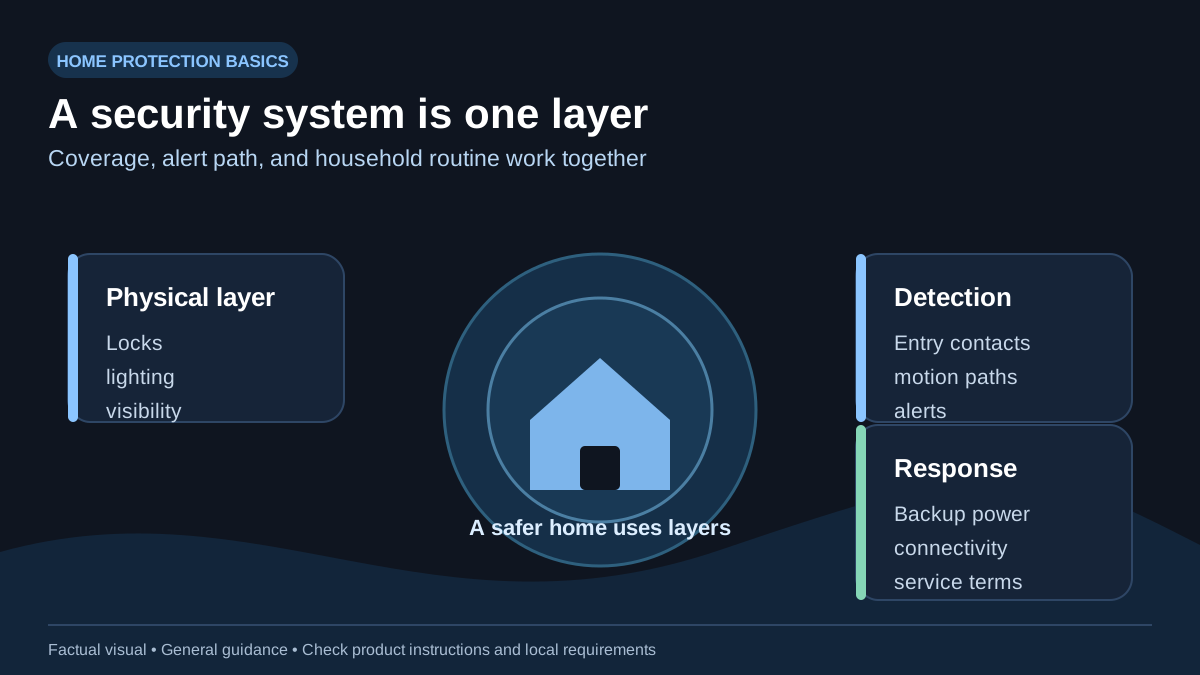
A useful system detects the entry points and interior paths you actually use, communicates an alert reliably, and is simple enough to arm consistently. Start with a basic risk review rather than a brand, camera, or subscription.
Build coverage around the property
- Entry contacts: exterior doors and accessible windows you want the system to report.
- Motion detection: interior paths that make sense for the household, accounting for pets and normal nighttime movement.
- Lighting, locks, and visibility: layered physical measures that work with—not instead of—an alarm.
- Optional cameras: useful for observation, but subject to privacy, storage, network, and local-law considerations.
CISA’s personal-security guidance treats locks, alarms, lighting, and appropriate video surveillance as complementary layers. It does not promise that a device will stop an intrusion.
Monitoring terms matter
Self-monitoring generally means the provider sends you alerts. Professional monitoring generally means a monitoring center follows a provider-defined process. Neither label alone tells you who is contacted, how verification works, the response time, what happens when connectivity fails, or whether your jurisdiction requires alarm registration. Read the current service agreement and local emergency-services rules before relying on a system.
Power and connectivity are design choices
Ask what happens during an outage: battery backup duration, cellular or other communications backup, sensor battery notices, and behavior if broadband fails. Do not call any backup “essential” unless the provider’s terms and your test confirm it. Test the alert path after installation and after any network or phone change.
Installation, privacy, and life safety
Place sensors and cameras only where household members and applicable law permit. Never use an intrusion system as a substitute for smoke alarms or CO alarms. Electrical work, changes to doors/windows, or work involving a monitored alarm may require a qualified installer, landlord permission, or local permit.
A practical buying checklist
- List the doors, accessible windows, and interior paths to cover.
- Confirm backup-power and communication behavior in writing.
- Read monitoring, cancellation, dispatch, and false-alarm terms.
- Protect the account with a unique password and multifactor authentication if offered.
- Test the system, notify household members, and review it after changes to the home.
Sources and review notes
This page was reviewed against the primary public-safety sources below on September 19, 2026. They provide general safety guidance; the alarm label, local fire authority, building code, lease, and licensed professional remain controlling where they differ.